


In today's digital age, having a professional and visually appealing website is essential for individuals and businesses alike.
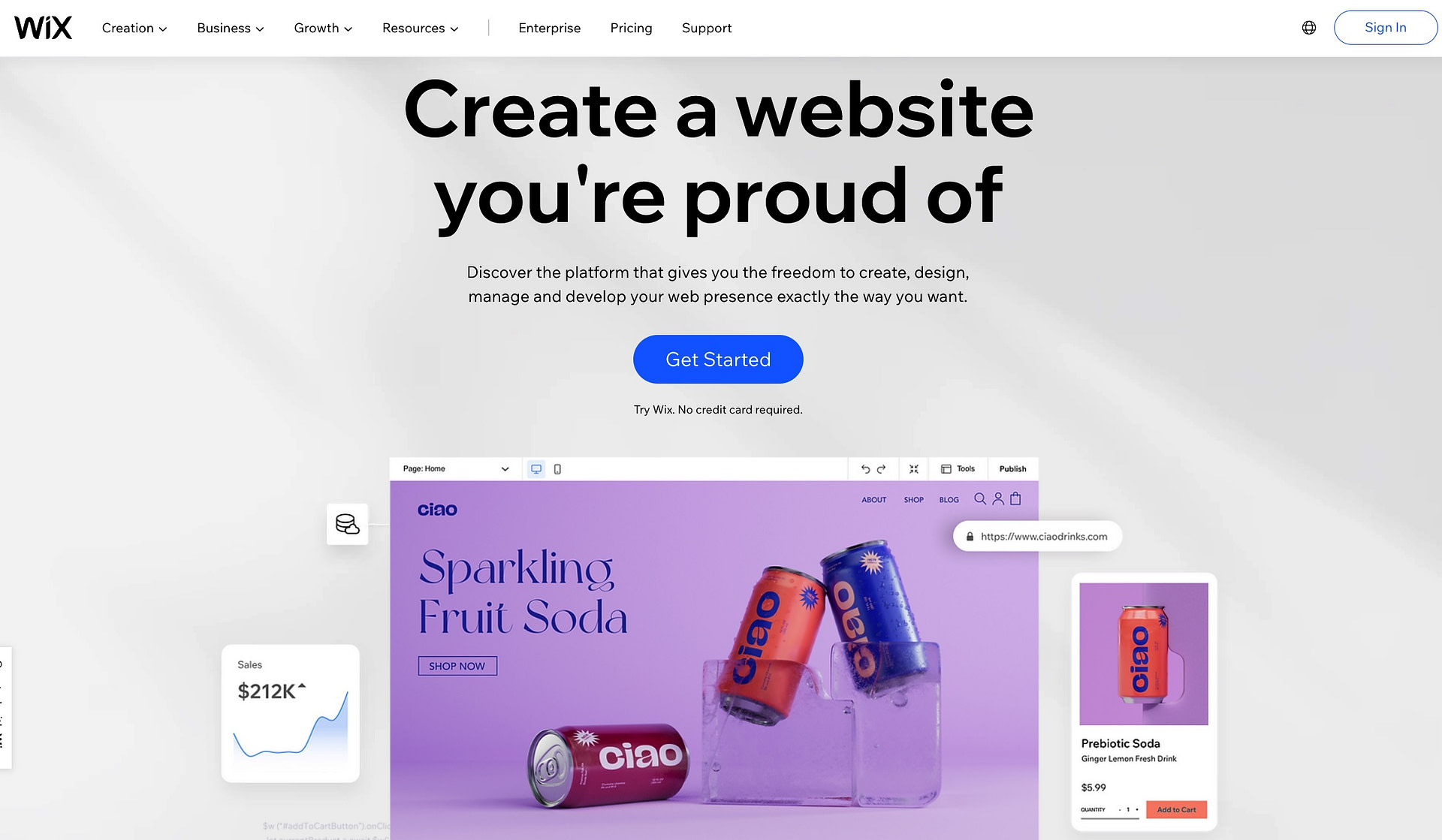
Fortunately, you don't need to be a coding expert to create stunning websites. Thanks to user-friendly website builders and content management systems (CMS), anyone can design and launch a website with ease. In this guide, we'll walk you through the steps to create a beautiful website even if you have no prior coding experience.
Step 1: Define Your Purpose and Goals
Before you start building your website, it's crucial to understand its purpose and goals. Ask yourself:
- What is the primary objective of your website? (e.g., showcase a portfolio, sell products, share information)
- Who is your target audience?
- What key features and content do you want to include?
Step 2: Choose a Website Builder or CMS
Selecting the right website builder or CMS is the foundation of your web design journey. Here are a few popular options:
1. Wix: Wix offers an intuitive drag-and-drop editor, making it easy for beginners to create visually stunning websites. It also provides a wide range of templates.2. WordPress: WordPress is a versatile CMS that powers over 40% of all websites on the internet. It offers countless themes and plugins for customization.
3. Squarespace: Squarespace is known for its elegant, modern templates and user-friendly interface. It's an excellent choice for creatives and small businesses.
4. Weebly: Weebly is another user-friendly option with drag-and-drop functionality, suitable for both personal and business websites.
Step 3: Select a Domain Name
Your domain name is your website's address on the internet (e.g., www.yourwebsite.com). Choose a domain name that reflects your brand or website's content. Most website builders offer domain registration services.
Step 4: Pick a Template
Templates provide the framework for your website's design. Browse through the available templates and select one that suits your style and goals. Customize it to match your brand colors, fonts, and imagery.
Step 5: Add Content
Now it's time to add content to your website:
- Homepage: Create a compelling homepage that introduces visitors to your website and its purpose.
- About Page: Share information about yourself or your business to build trust with your audience.
- Services or Products: If applicable, showcase what you offer with detailed descriptions and high-quality images.
- Portfolio/Gallery: Display your work or products with stunning visuals.
- Contact Page: Provide a way for visitors to get in touch with you, such as a contact form or email address.
Step 6: Customize and Configure
Explore your chosen website builder's customization options. You can:
- Modify Layouts: Adjust the layout of each page to suit your content.
- Add Widgets: Incorporate elements like social media feeds, forms, and calendars.
- Optimize for Mobile: Ensure your website looks great on mobile devices.
Step 7: SEO Optimization
To make your website discoverable on search engines like Google, optimize it for SEO (Search Engine Optimization). This includes:
- Keyword Research: Identify relevant keywords for your content.
- Meta Titles and Descriptions: Craft compelling meta titles and descriptions for each page.
- Image Optimization: Compress images and use descriptive alt text.
- URL Structure: Create clean and descriptive URLs.
Step 8: Test and Preview
Before publishing your website, thoroughly test it. Check for broken links, typos, and formatting issues. Preview your website on different devices to ensure it looks great everywhere.
Step 9: Publish Your Website
Once you're satisfied with your website's design and content, hit the "Publish" button. Congratulations! Your stunning website is now live on the internet.
Step 10: Regularly Update and Maintain
Websites are dynamic, so don't forget to update and maintain yours. Add fresh content, keep plugins or themes up to date, and regularly back up your site to ensure it runs smoothly.
Creating a stunning website without coding experience is entirely achievable with the right tools and guidance. Follow these steps, unleash your creativity, and make your online presence shine.